Project 24:00:00 — Using Automated Metadata Profiling to build Text to SQL Data Agent! #2
If you are reading it for the first time, note that we are already done with the problem statement for building a text-to-SQL system so far. Hi again, and welcome to uselessai.in, where we are trying to build data agents by learning what has already been done and then thinking of building something based on those learnings. If you haven’t read the previous blog, check it out here —
Project 24:00:00 — Why Text-to-SQL fails?
Today we will try to understand a different perspective of solving this data agent problem, where researchers found an interesting observation, metadata helps in a much better way when it comes to building text-to-SQL systems, and LLMs only play a small part in this process. Enterprises need to focus more on understanding what they already have and maintaining it rather than integrating AI without a clear goal. I used some parts of this paper in my previous blog as well.
We discussed two major problems in the last blog — first was the long-context problem, meaning we cannot send the full schema if we have hundreds of tables, and second was that business definitions matter. We need to tell the model what the columns are all about, and that’s what we will see today.
Using Metadata Profiling for Text to SQL systems i.e Data Agent
In this blog, I would like you to walk through the paper I recently came across, which was once trending on all the text-to-SQL benchmark leaderboards, and last year it was among the top 3 for many months. Until today, of course, where we have better scores on other benchmarks, but on BIRD, I can still see it at the top. You can check the current leaderboard here— https://bird-bench.github.io/
This is what the title looks like, and I hope you get some idea about what the content is going to be —
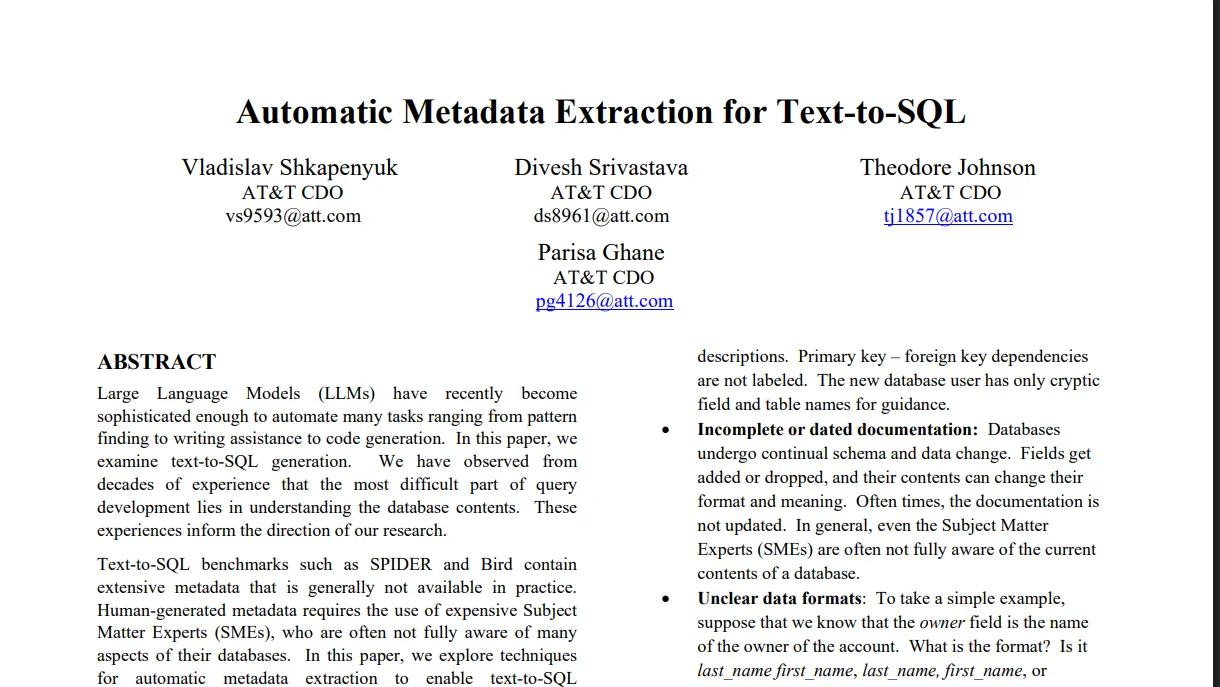
Quick summary that we get from this paper is that metadata of the database helps in writing better queries than any of the other approaches. And there are different ways we can make this metadata AI-ready, meaning making it in such a way that it doesn’t increase the context length while also making sense to LLMs.
Database profiling is not a new concept. It is already used to get information about what’s there in the tables. How many null values are there? And many more such insights like —
the number of records in a table.
For a field, the number of NULL vs. non-NULL values.
For a field, the number of distinct values.
For a field, the “shape” of a field, e.g. min and max, number of characters (digits), alphabet (upper/lower/punctuation/…), common prefixes, etc.
For each field, a sample of the top-k field values etc.
When you plan to build a data agent, especially when you are trying to teach models about your database and business context, metadata helps. Databases have been around for decades. Businesses might have been managing them for years and consistently making changes to the schema and the data stored in the tables. So metadata associated with the database is the best thing you can use to give context to the LLM. But again, the problem remains the same: you cannot send the full schema to the model. So you need to store this metadata once and use it in your solution.
Now, how we store and use this metadata is a different question in itself. The way we see statistics might not be the best way to teach an LLM. AI models are better with text and understanding simpler descriptions. So it’s better to make it simple and then pass it to the model.
So how do we do this? The authors in the paper suggested that we should rather get descriptions of each column. Basically, we should do the profiling in such a way that it is AI‑ready. There might be a few columns that demand longer descriptions, and a few might be simpler. For example, an ID column might be simpler to describe, but if there’s a column called “arena_location”, then we might need to give a detailed description for that column in order to teach the model what the data is all about.
Look at this example shared in the paper —
Column CDSCode has 0 NULL values out of 9986 records.
There are 9986 distinct values. The minimum value is
'01100170109835' and the maximum value is
'58727695838305'. Most common non-NULL column values
are '01100170109835', '01100170112607', '01100170118489',
'01100170123968', '01100170124172', '01100170125567',
'01100170130401', '01100170130419', '01100176001788',
'01100176002000'. The values are always 14 characters long.
Every column value looks like a number.
This is something that we can generate without an LLM. We don’t need a model here. But this description might be too long for an LLM to process, especially when you have so many columns.
We can use an LLM here for data profiling even before we think of building a text-to-SQL system. To teach the model, we can generate a shorter version of this description -
The CDSCode column stores unique 14-character numeric
identifiers for each school in the database, where CDS stands
for County-District-School.
Now it helps in conveying the same information, but in a better way that the model can understand easily without hurting the context length. There might be abbreviations in column names that are confusing. For example, in the above example itself, we have CDS. What exactly is this? For different domains, it holds a different meaning.
Here, we can generate a longer version of this description to create a data profile like this —
The CDSCode column stores unique 14-character numeric
identifiers for each school in the database, where CDS stands
for County-District-School.The CDSCode column contains
14-character numeric strings with no NULL values, 9986
distinct values, ranging from '01100170109835' to
'58727695838305'; common values include
'01100170109835', '01100170112607', '01100170118489',
'01100170123968', '01100170124172', '01100170125567',
'01100170130401', '01100170130419', '01100176001788',
'01100176002000'.
Now it makes more sense and clearly helps in interpreting whether we should use this column when answering questions or not.
Now imagine you have created a strong AI‑ready data profile for your database. Awesome — but think about it once: can we send this description to the model for querying? Ideally, no.
Get Shresth Shukla’s stories in your inbox
Join Medium for free to get updates from this writer.
Subscribe
Subscribe
Remember me for faster sign in
In fact, it increases the context length even more when compared to sending the full schema. And that’s where the concept of finding relevant tables, or schema linking, comes in, something we discussed at the very end of the last blog. Read more about it here.
Schema Linking is the Key to your Chatbot Success
How we do this schema linking is the key to your success! The better you select your tables and columns, the better your chances of getting correct results. The authors mentioned that they tried all the common approaches available like —
Metadata similarity search: to search a vector database for fields whose name and/or metadata are semantically similar to the question.
- Column filtering: For each field, ask the LLM if the field is relevant.
- Table selection: Give the LLM the full schema and ask it to identify relevant tables.
- Column selection: Give the LLM the full schema and ask it to identify relevant fields.
They found out that LLMs are not good at identifying relevant tables and columns as compared to SQL generation. These models are good at writing SQL queries, and they used this idea to design their process of schema linking.
So instead of the model picking relevant tables and columns, they let the model create queries and then figure out what columns are being used to create the query. And they do this multiple times to get all the relevant columns and tables. I know it’s kinda weird, but it’s helpful. They passed different variants of metadata — like short descriptions, long descriptions, or changed wording of descriptions — and then used these variants for generating queries.
To be specific about metadata context, here are the exact types of schema variants they used to generate SQL queries -
- Focused schema: Given a question, this is the set of fields which are textually similar to the users question, based on the string similarity index on the fields. In addition, literals are extracted from the question, and additional fields which include that literal in their values (using the LSH indices in the profile) are added to the focused schema.
- Full schema: All fields in all tables.
- Minimal profile: describe the field using the short LLM summary.
- Maximal profile: describe the field using the long LLM summary.
- Full profile: describe the field using the SME-supplied metadata along with the maximal profile. (the longest version of description you can say)
I know as we start diving into the algorithm or this process, it starts getting confusing. Let’s take an example to understand what the authors found useful and what works best in this case. This might not be exactly what they did, but you’ll get an idea of how metadata profiling is used in building a data agent.
I ask — “What was the total refunded amount for prime users in Delhi last quarter?”
Assuming we already have the database profile set up. Now, the moment we get the question, we do not hit the LLM directly. We'll first do semantic filtering and literal matching. For example, we have — delhi, prime, last quarter — in this query. We'll search the index to find if any of the columns contain these values (could be in the distinct values of the dataset). The moment we do literal matching, we’ll realize that at least 90% of the columns do not contain those values. So they are not really relevant when searched with this perspective (though I believe it's not the best practice to rely only on this approach).
Say 390 out of 400 are not really relevant. But obviously, we won't take just these literal‑matched tables, right? This was just hard‑coded values being searched in the index for each table.
Next, we would do a metadata search to find relevant columns. It’ll try to find these literals in the descriptions of the columns we created during metadata profiling via different keywords like amount, refund, users, etc. Now, when we do semantic search on metadata stored in some vector store, we again get a few tables — say around 7–10 tables.
Note that we will NEVER send the full SCHEMA to the model. Never. And it is not advisable to share it either unless you’ve got enough money to burn for a lifetime. Also note that we are talking about a huge blob of unstructured schema here. Full schema variants are used strategically.
After we do the initial filtering based on the metadata profile we created and the literal search on the index, we’ll cut the tables from 400 to around 15–20 tables by combining both approaches. The results from both approaches to find relevant columns and tables are unioned.
And now we call the LLM. We’ll send the question, the metadata descriptions for those tables, and the full schema for those selected tables to the model. We have already reduced the size, and this would be enough for the model to get relevant info and generate a query. We’ll create a query using this for the first time. There are chances that this query might be wrong or might be correct — we are not very sure about it. So they decided to repeat this process of SQL generation multiple times using different variants of metadata descriptions as given above.
For example, using short‑form descriptions and then sending the same information to the model to generate a query. They use human‑annotated metadata to generate a new query using the same tables and question. So they repeat this process and generate multiple queries. But they decided to do something after the first attempt itself.
So once we have the first query generated, no matter what metadata variant you choose, it’ll try to see if the query is 100% correct or not. By this I mean whether all the referenced columns exist or not. It learns the types or relationships multiple columns have in this process. It tries to identify columns that can be joined to find the correct answer. So the first query generated helps in finding the relevant columns and relationships, which are again used to generate a new query.

So with each try, it is learning the database and its schema better by repeatedly generating and collecting referenced columns. After 3–5 iterations, it limits itself to only sending a relevant set of tables and their details to the model in order to get the correct query. Essentially, we keep adding or expanding schema details if correction is needed. All this happens in parallel, and then the union is the final relevant schema.
If I have to summarize this whole process, think of it like someone new — a data engineer, probably — who's trying to write the query for the first time. He writes a query, it breaks, turns out the column doesn’t exist, so he corrects the query and retries. And he keeps doing the same thing until he gets the working query. The paper decided to automate that flow of database exploration. They do not really send the schema to the model; instead, they send the metadata descriptions and try to find the correct query. It tries to grow the schema referenced in the query with each try.
Let's cut the long story short. Take a pause and wait here. Take a deep breath.
What is the takeaway from the above discussion? The whole point of writing this blog is to make you aware of the fact that metadata matters more than you think, and having an enterprise data profile built already is a feature that can beautifully enhance the accuracy of the assistant.
So that means, when we are building any kind of Data Agent for enterprise, we need to take care of this thing — we should have a metadata profile ready which must be in a way that models can understand, and it should be based on contextual understanding of the data. Each description should speak for itself. This is like a one‑time activity that needs to be done and is helpful. But is it mandatory? Yes and No. We can still send the metadata the old way and try to optimize something else in the process — for example, the correction loop and letting the model pick relevant tables and columns, etc., to answer the queries.
We’ll look at an end‑to‑end approach that one can use to build the working prototype of a data agent. The papers look good, but it’s better to think about building and designing it in such a way that we can implement it too. So the next blog will be about designing an end‑to‑end application that can answer accurate queries by going into the correction loop.
Till then, see ya. If you are learning something new from these blogs, share it with someone who’ll find it interesting. If you have an AI product and want me to talk about it, share details with me on DM. Hope you have subscribed. Cheers.